Signing in to Reports
After receiving the application's link, you need to enter your email address and password to sign in to reports.
note
To manage the dashboard for different user roles; the application has screens specific to the administrator, state manager, district manager, and program manager.
To sign in to reports, do as follows:
- Enter your Email and Password.
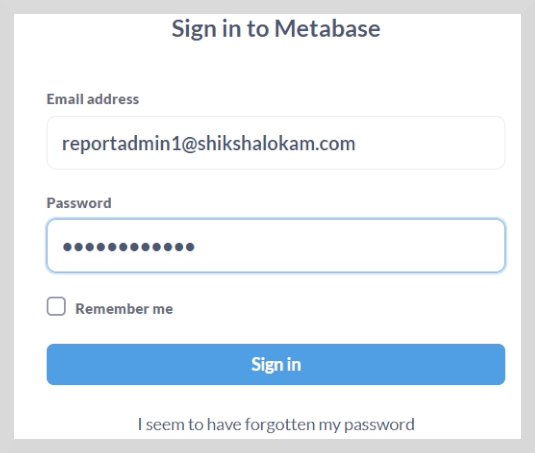
- Click Sign in. The Home page appears.
Signing Out
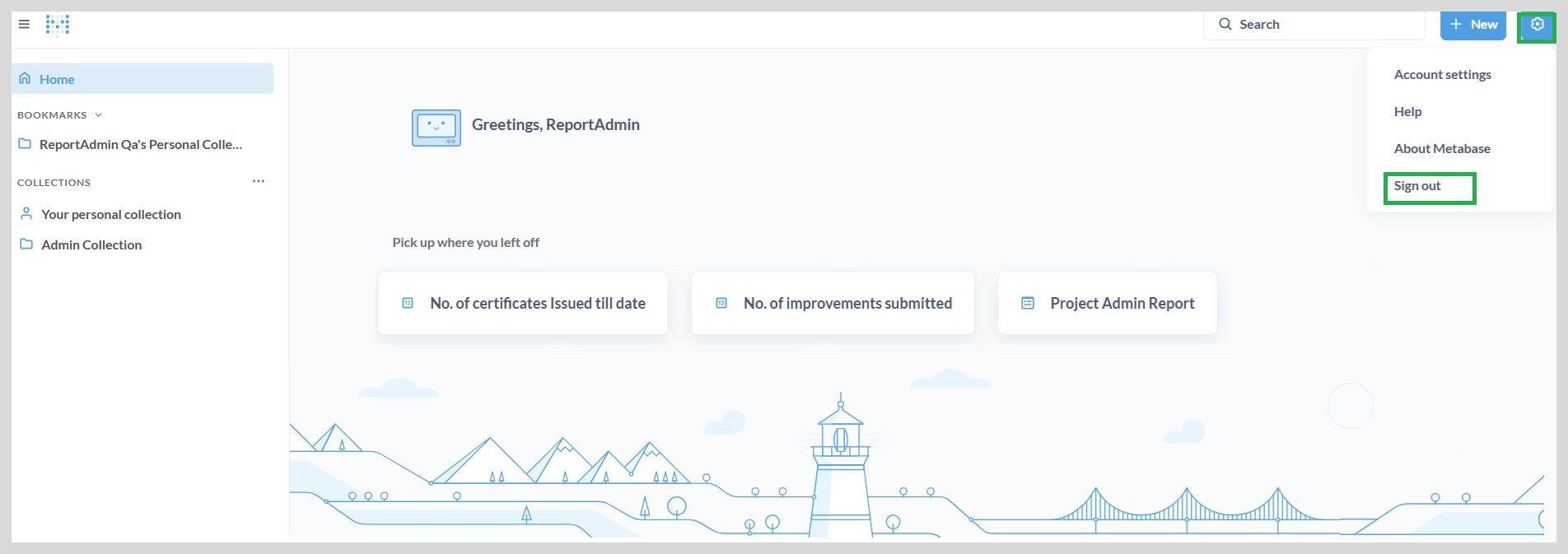
To sign out, do as follows:
Click the gear icon on the upper-right corner of the Home page.
Select Sign out.