Using the FAQ Page
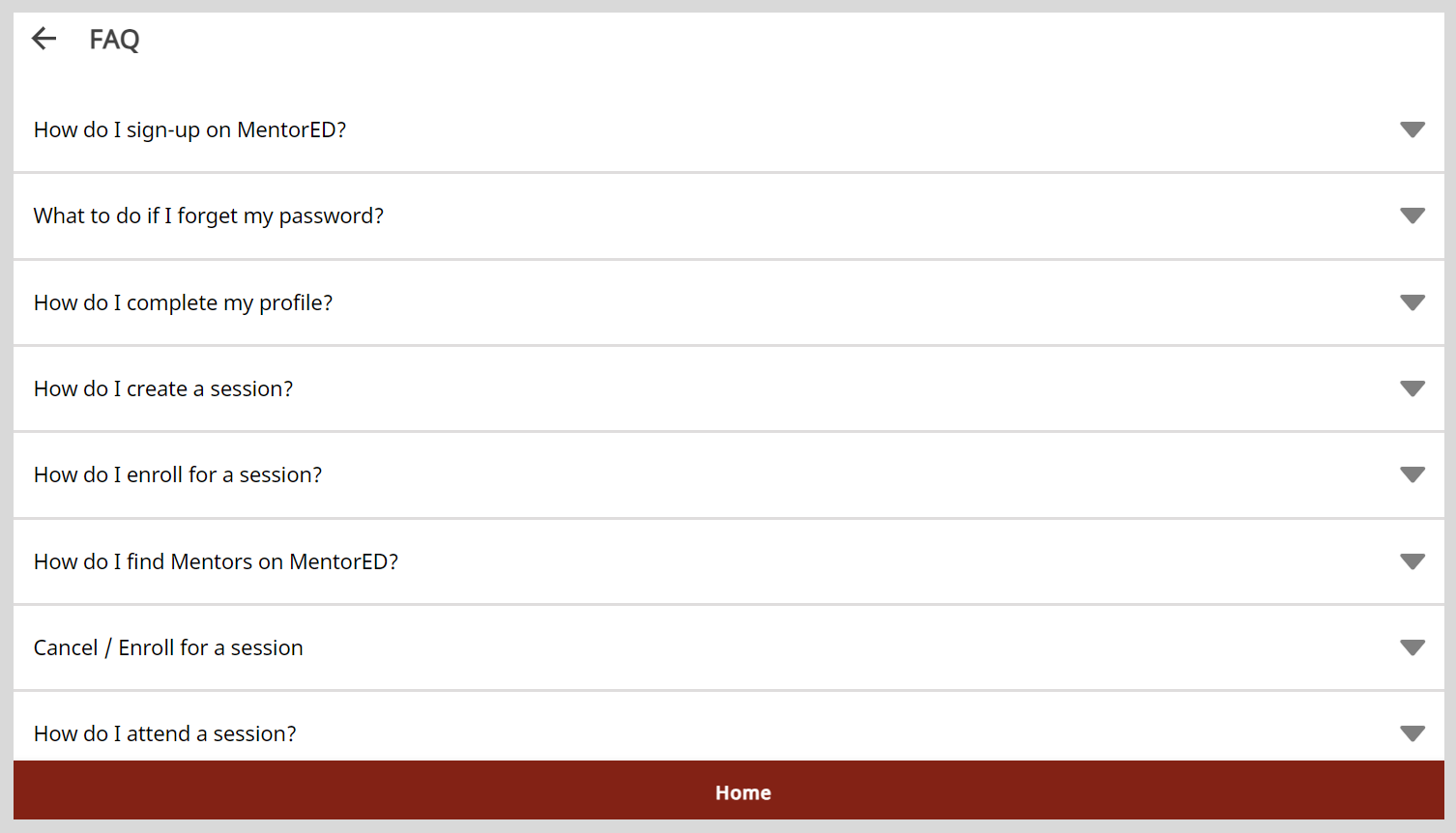
You can find answers to commonly asked questions about the application.
To view the FAQ page, do as follows:
Do one of the following actions:
- Select FAQ from the Application menu.
- Go to the Application menu
 and select FAQ.
On the FAQ page, click the dropdown icon located next to question to view the answer.