Organization Administrator
The organization administrator can perform the following actions:
- Upload the list of users with preassigned roles to the application.
- Manage users' requests to become a mentor.
You can access the Organization Administrator account using one of the following ways:
- If you are signing up for the first time, use the application's link included in the email invite.
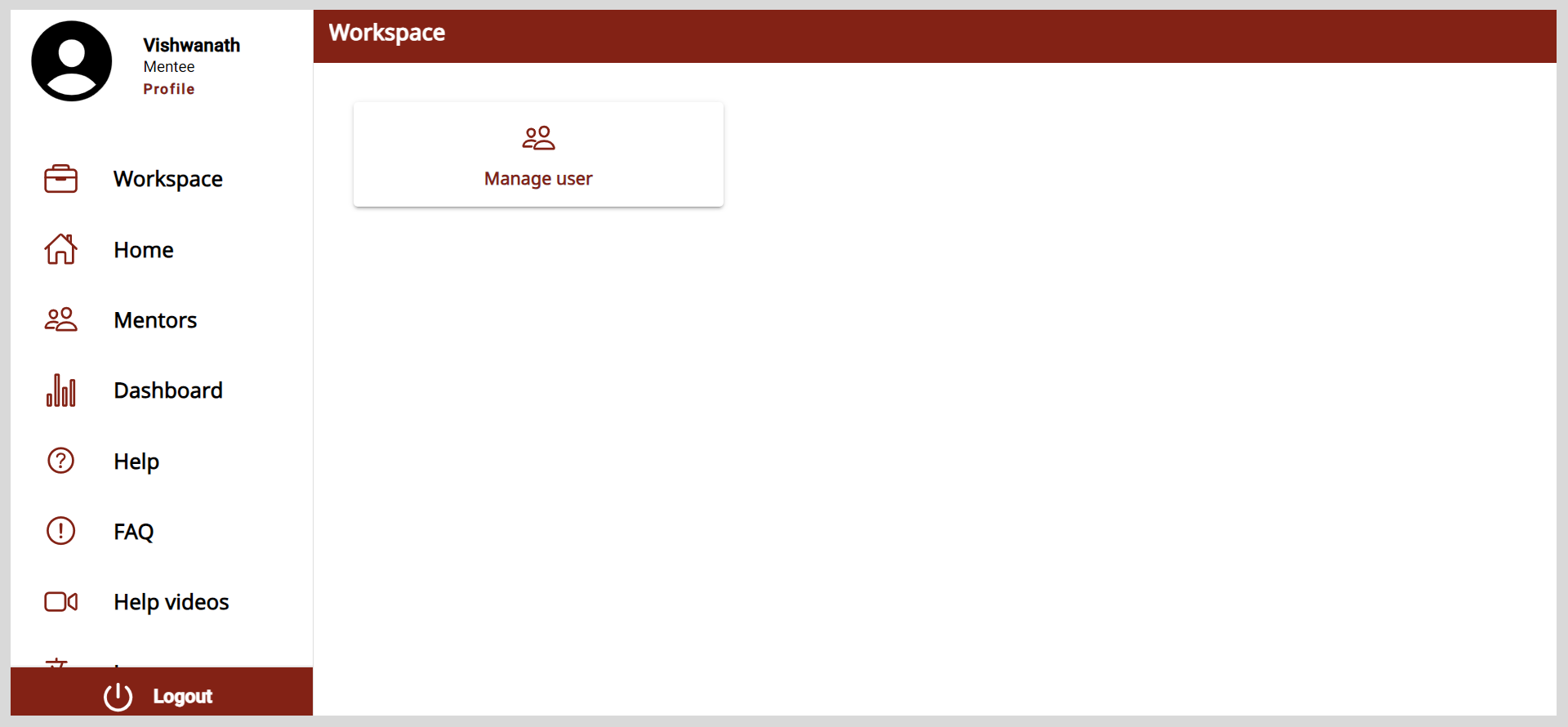
- If you are a registered user, you will receive an email notification after being assigned the role of an Organization Administrator. After logging in, a Workspace appears on the application.
Signing up
After receiving the application's link, you must sign up to create an account.
To sign up, do as follows:
Open Mentor and click Sign up.
Enter your details:
- Name
- Emailnote
Enter a valid email ID.
- Password
Click Sign up.
Complete the reCAPTCHA verification.
Click Generate OTP. An OTP is sent to your registered email ID.
Enter the OTP.
tipTo receive a new OTP, click Resend OTP.
Do the following actions:
- To read the privacy policy, click the Privacy Policy link.
- To read the terms of service, click the Terms of Service link.
Select the checkbox to agree to the terms of service and policy settings.
Click Verify and login. After logging in, a Workspace appears on the application.
Logging out
To log out, do one of the following actions:
Select Logout from the Application menu.
Go to the Application menu
 and select Logout.