Mentor Directory
The Mentor Directory lists mentor profiles in an alphabetical order. Using the Mentor Directory you can discover mentors in your chosen area of expertise and view their mentor profile.
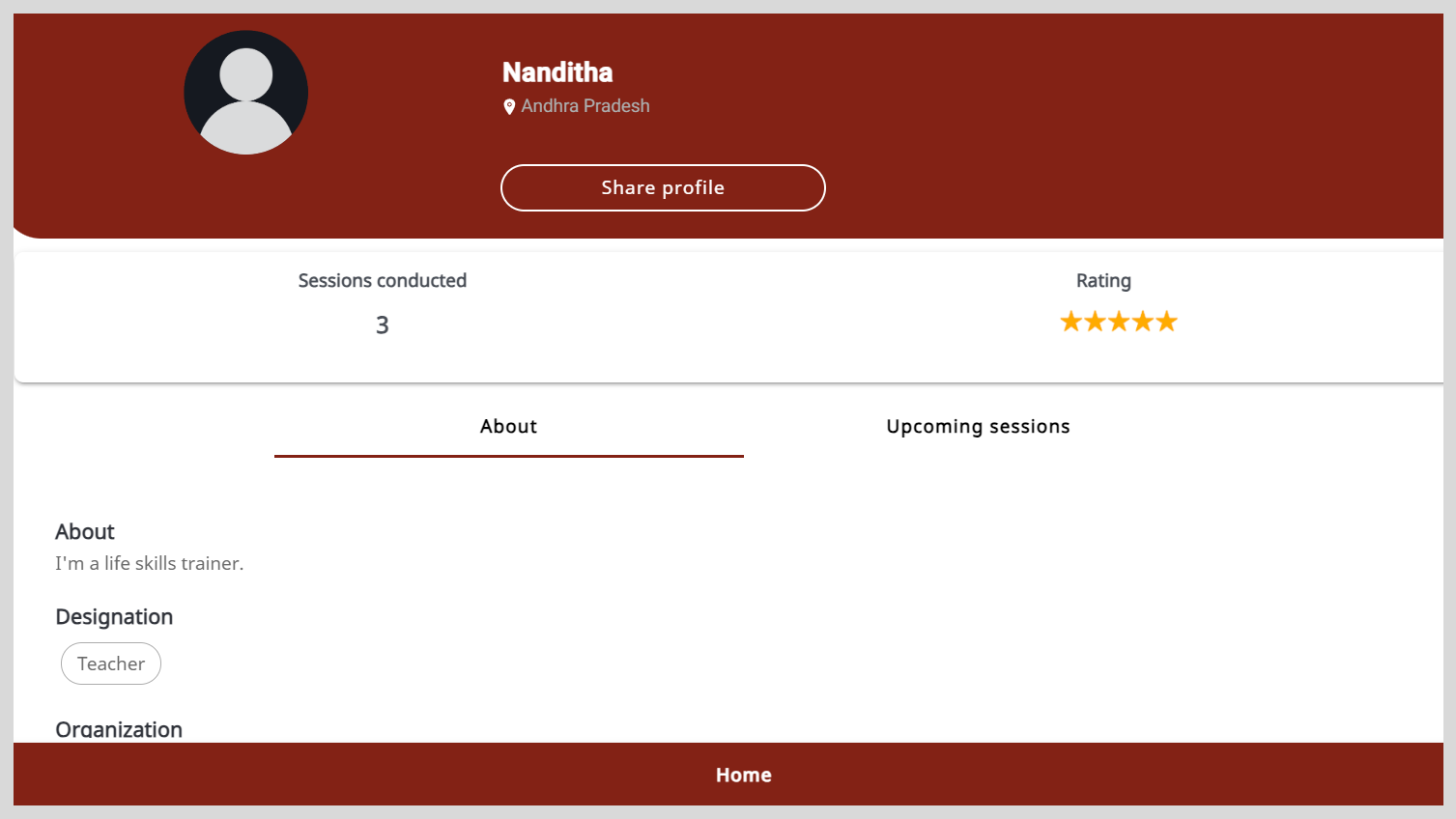
On the Mentor Profile page, you can do the following actions:
- View the number of sessions conducted by the mentor.
- View the ratings they received for sessions.
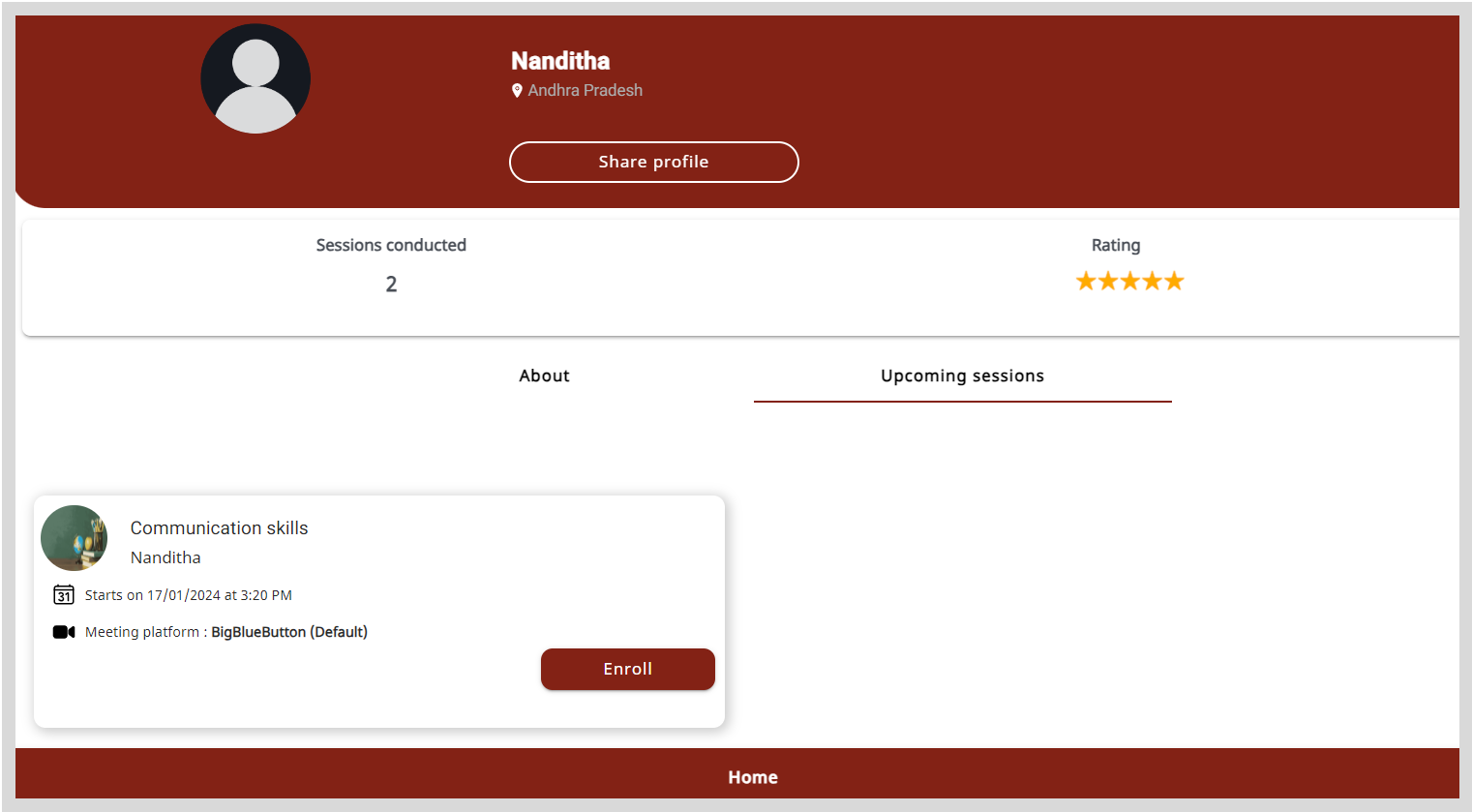
- Discover the upcoming sessions of the mentor.
- Enroll and join sessions.
- Share a mentor profile using a link.
To view the Mentor Profile page, do as follows:
- To view the Mentor Directory, do any one of the following actions:
- Do one of the following actions:
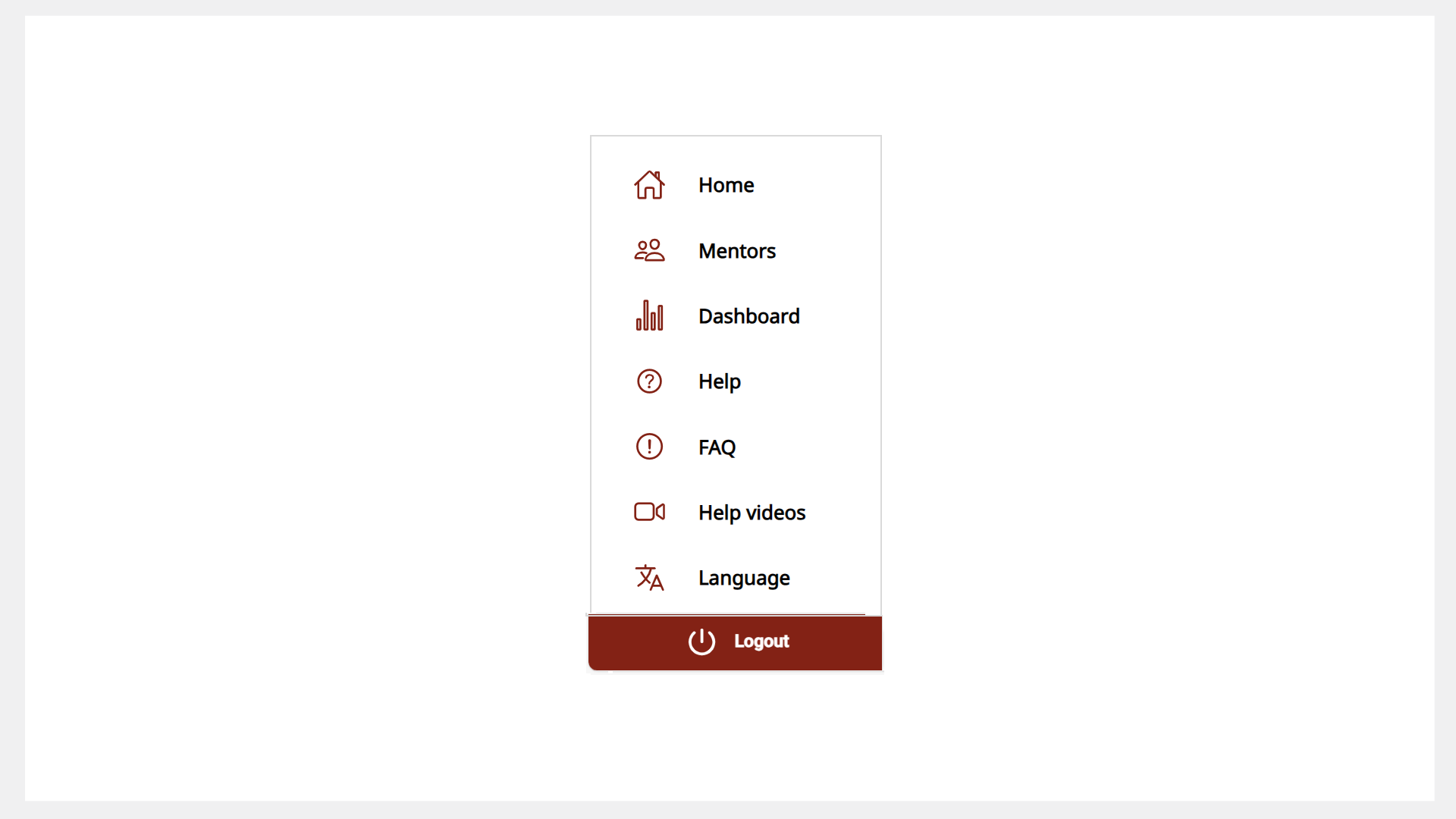
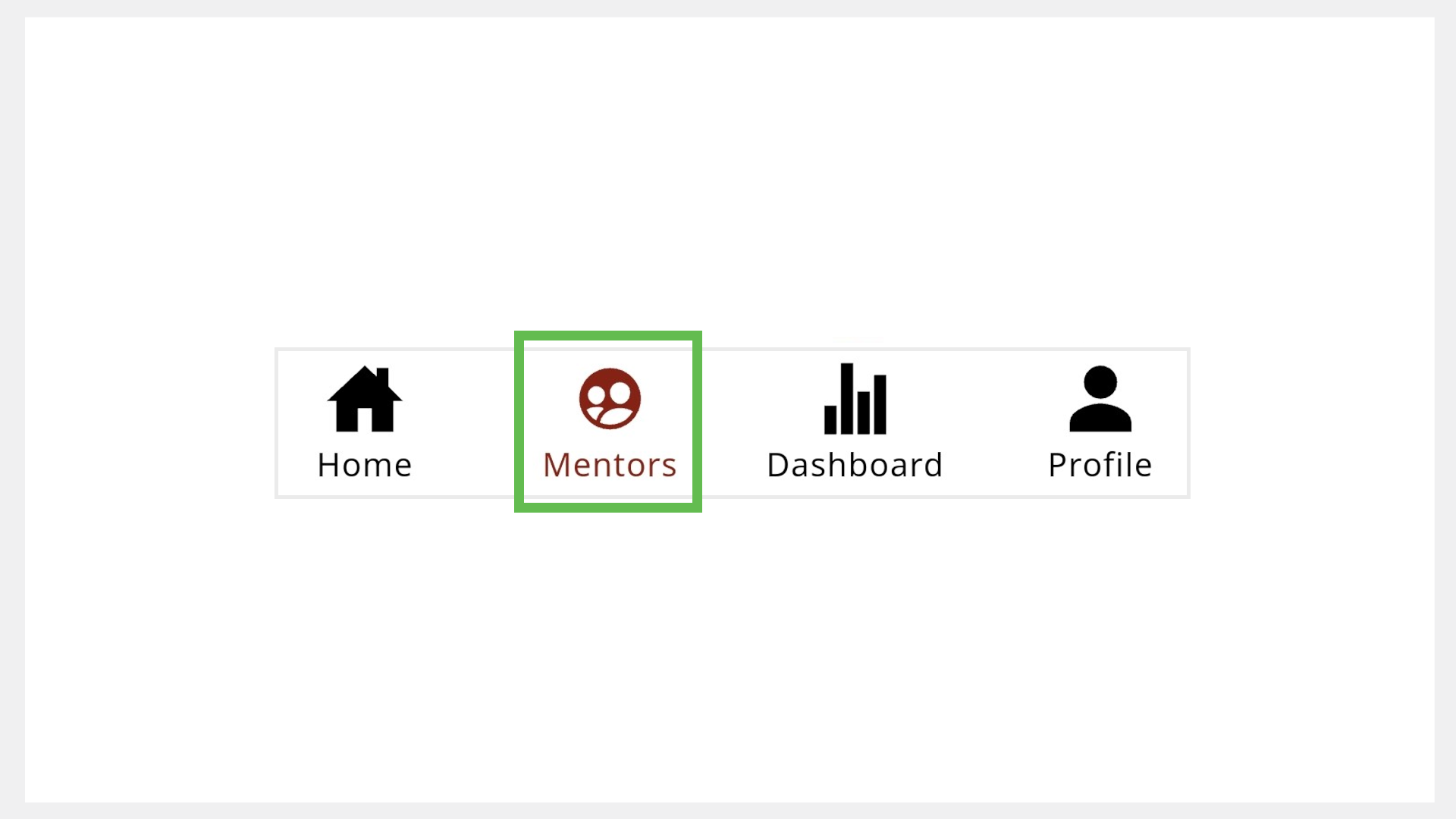
- Select Mentors from the Application menu.
- Go to the Application menu
 and select Mentors.
 - Go to the Mentors tab.
- Find a mentor and click the mentor profile tile.
- Go to the About tab to view the profile details.
Finding Mentor Profiles Using the Search Bar
You can also look for specific mentor profiles on the Search bar.
- In the Search bar of the Home page, click the Mentors tab.
- Type the mentor’s name and click the Search button.
- Click the mentor profile tile.
- Go to the About tab to view the profile details.

Finding the Upcoming Sessions of the Mentor
On the Mentor Profile page, go to the Upcoming sessions tab to view the sessions.
info
To learn more about enrolling and joining sessions using the mentor profile, see the following topics:
Sharing Mentor Profile Links
On Mentor, you can share mentor profile links with your contacts.
To share mentor profile links, do as follows:
- On the Mentor profile page, click Share profile to copy the mentor profile link.
- Share the mentor profile link with your contacts.