Sharing Session Invites to Mentees
You can invite participants to your session by sharing a session link.
To share a session link, do as follows:
- On the Home page, go to the Created sessions tab.
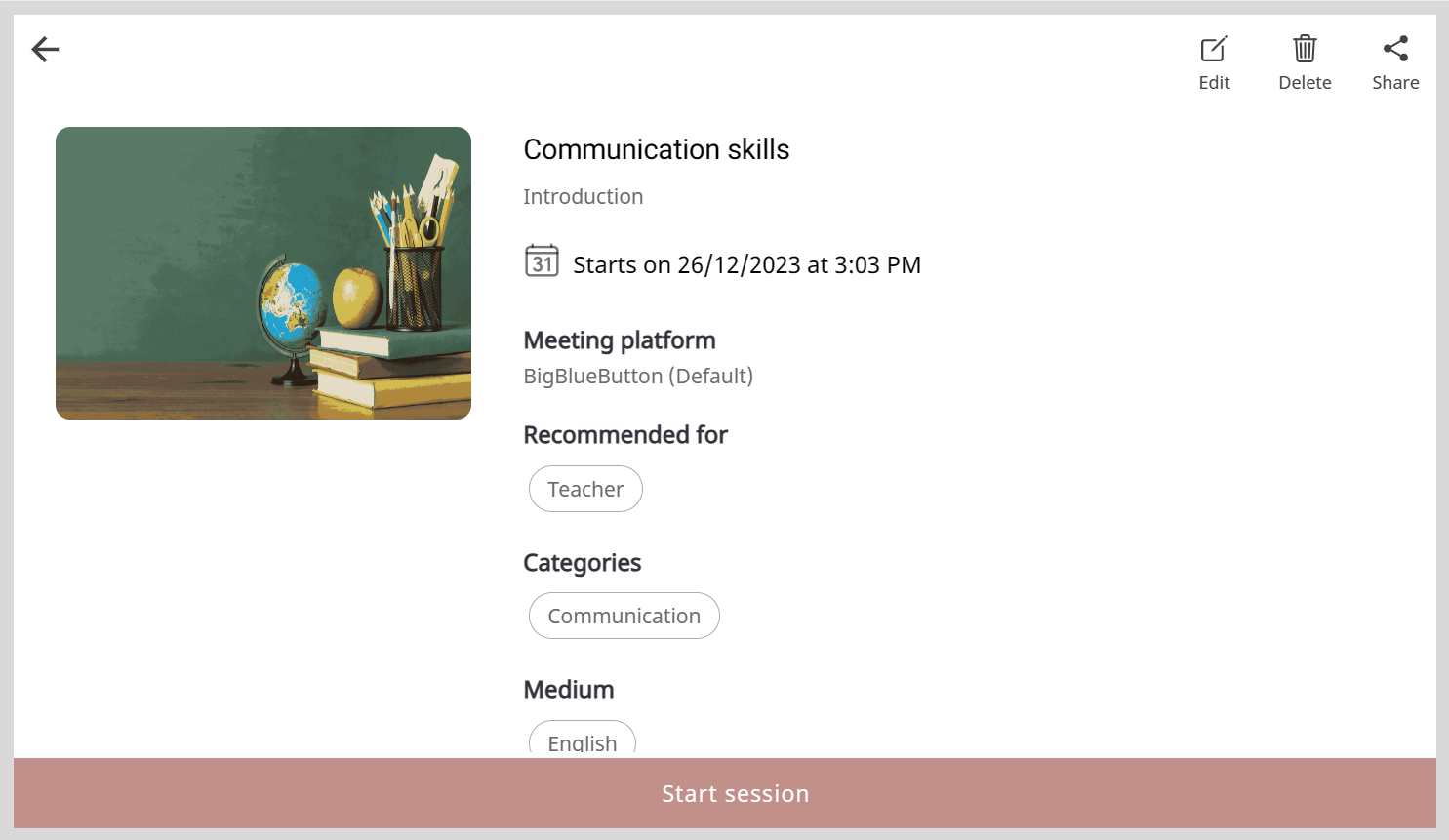
- Find a session and click the session tile.
- Click Share
 to copy the session link.
 - Share the session link with your contacts or on social media.