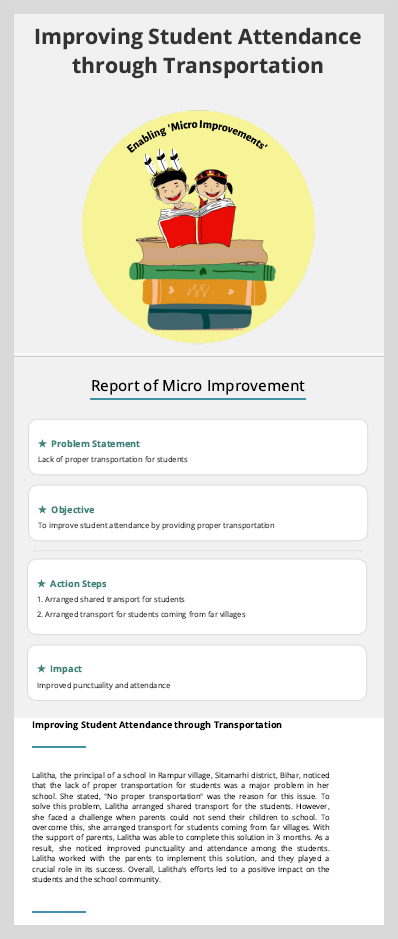
Download Improvement Story
MItra automatically generates a document containing the information captured through discussions, the challenges addressed, the actions that were taken to tackle the problem, and the changes achieved. You can edit and download the improvement stories.
You can do the following actions:
Edit a story
Download a story
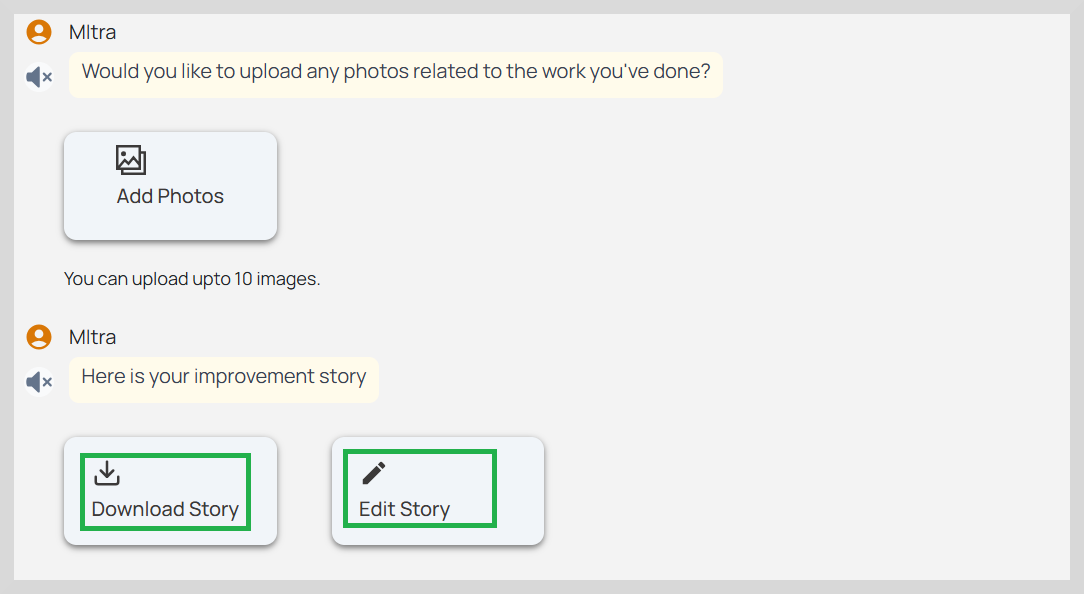
To edit a story, do as follows:
- Click Edit Story. A dialog box appears with textual content consisting of community discussions, challenges and their corresponding outcomes.
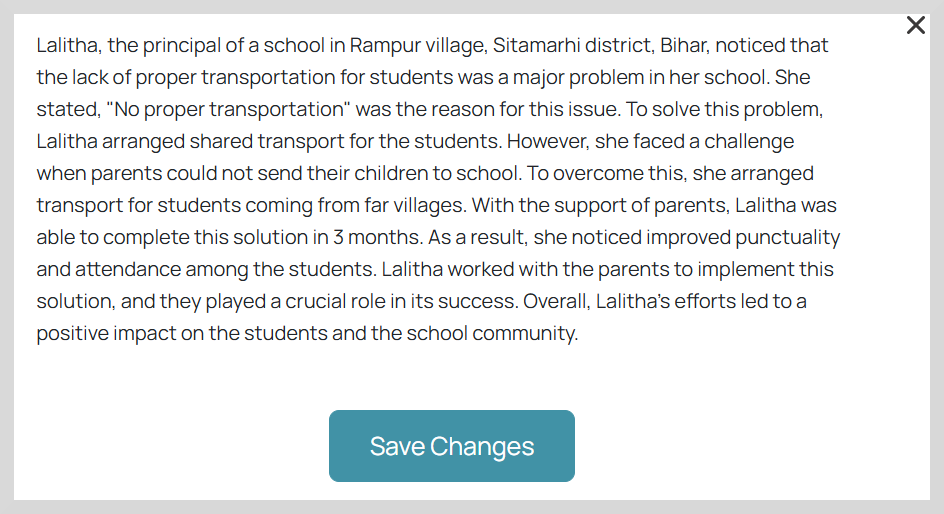
Make the necessary changes.
Click Save Changes to save your changes.
Download Story
To download the story to your device, click Download Story.