Capture Discussions
To capture the challenges and solutions discussed, do as follows:
- On the Welcome page, select your preferred language to proceed to the next screen, as shown in the following figure.
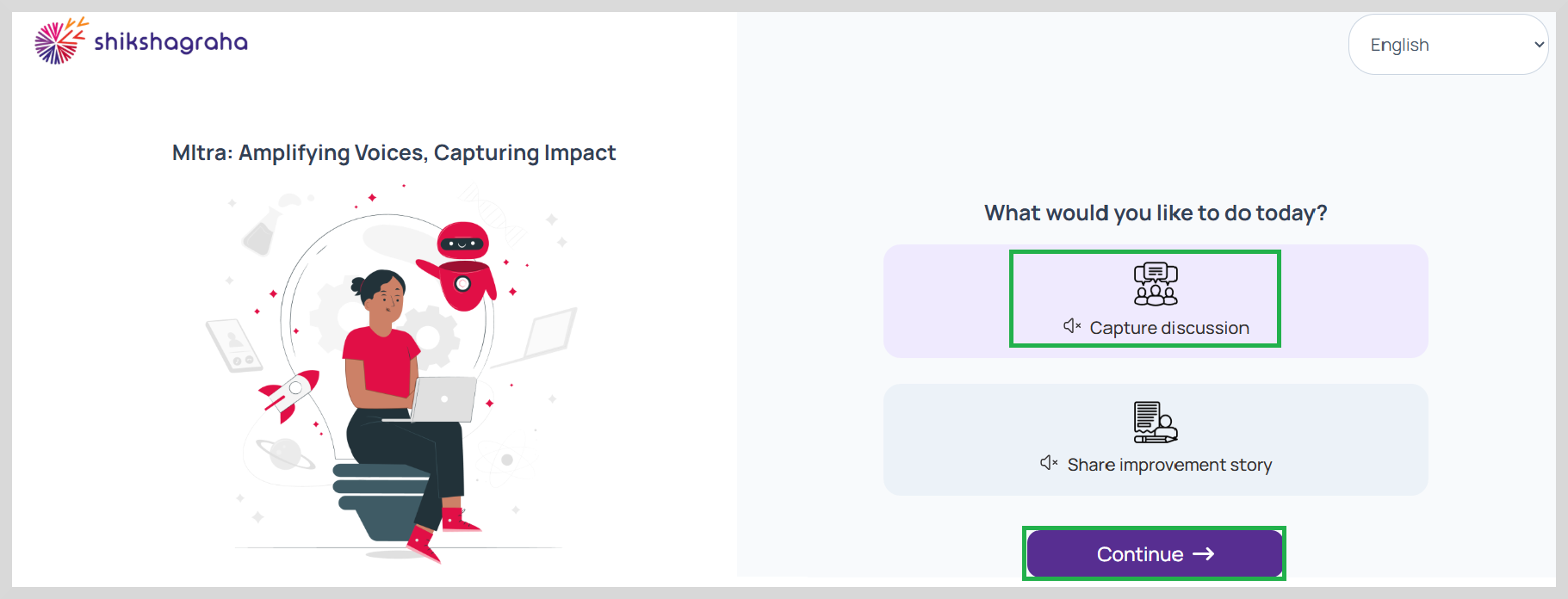
Select Capture Discussion and then click Continue.
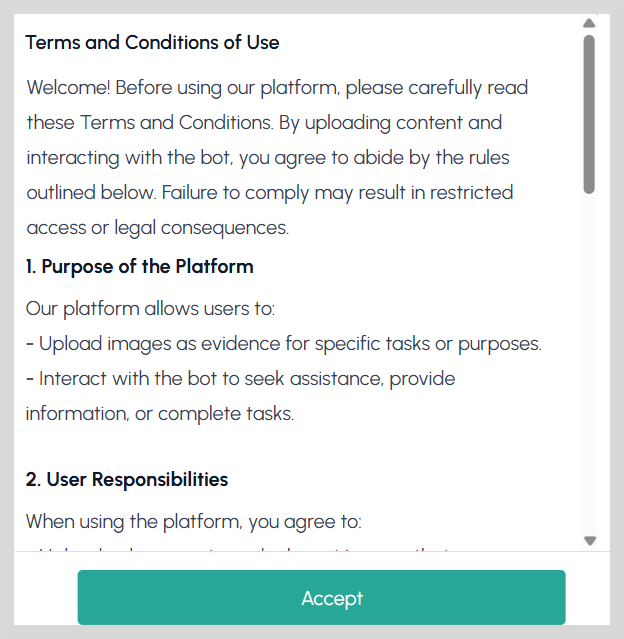
Click Accept on the Terms and Conditions of Use.
- Start chatting with Mitra to answer a few questions.
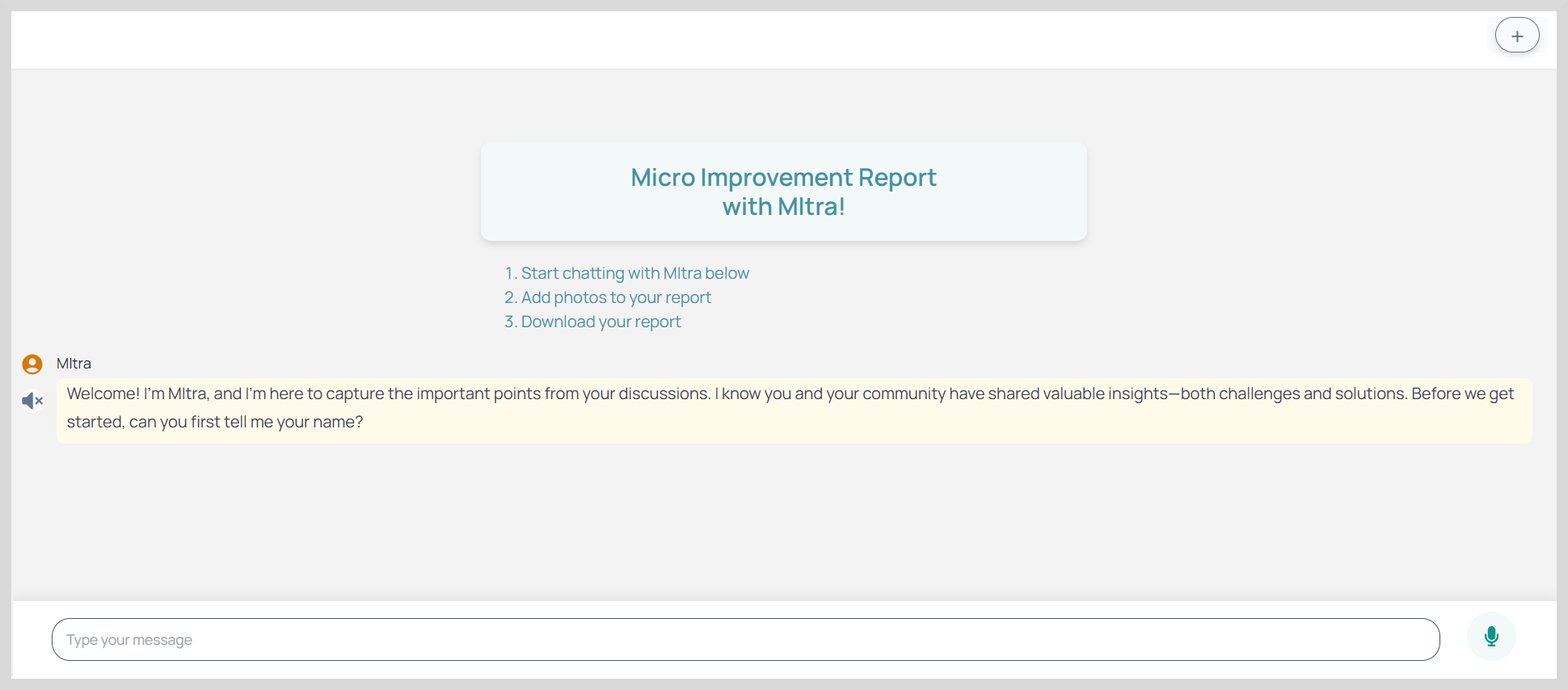
- You can record or type the response for a question using any one of the following ways:
To record the discussion click the microphone icon and then record your response and then stop recording.
Type the details in the text box provided and then click Send.
- To quit from MItra application, click the '+' icon in the top-right corner and then click Yes on the dialog box.

note
All questions are to be answered. Do not skip any questions.
tip
To process the data and provide an enriched report, make sure you answer every question in detail.
- After answering all questions, you can also add images related to the discussion.
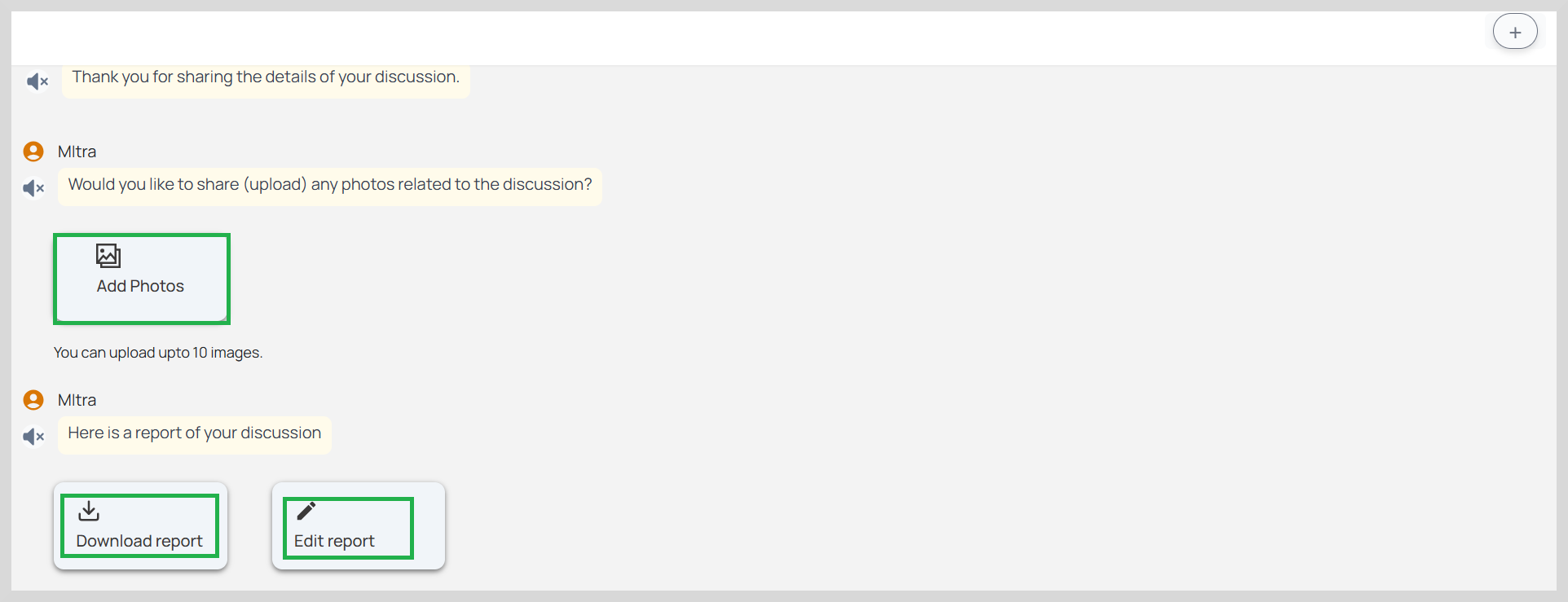
- Click Add Photos to upload the photos.
note
A maximum of ten photos can be uploaded..
After uploading the photos you can generate the reports using the Download report option.