Uploading Users to the Application
The organization administrator can upload the list of users to the application using a CSV file to:
Invite new users with preassigned roles (mentor and mentee).
Invite registered users to an organization. After uploading the list of registered users, they are assigned an organization.
Allow an existing user to host sessions by changing the role to mentor.
To upload users to the application, do as follows:
Go to the Application menu
 and select Workspace.
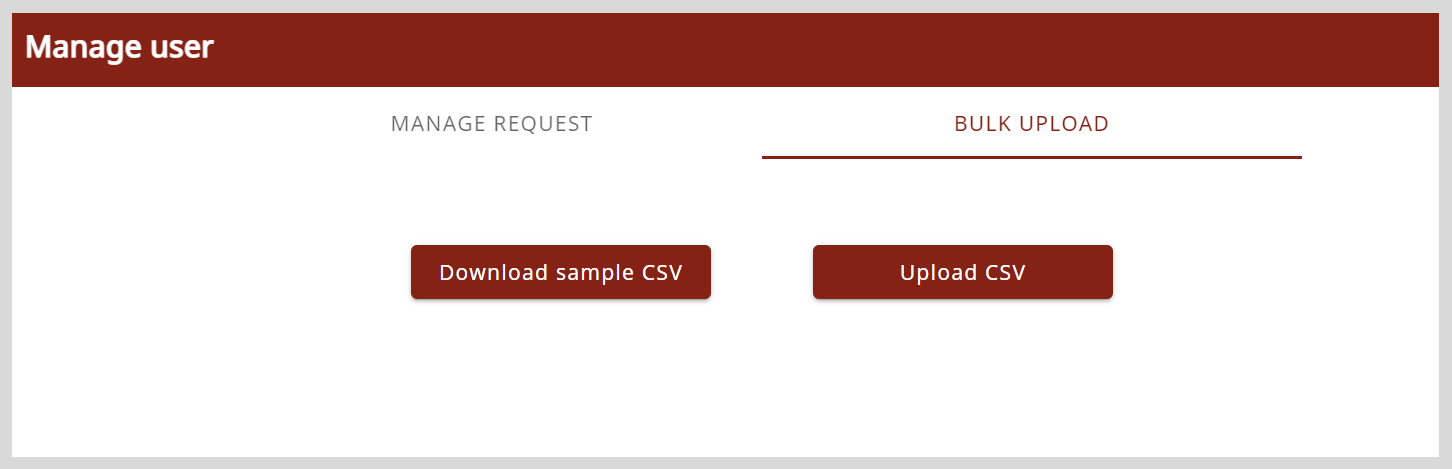
On the Workspace page, click Manage user.
On the Bulk Upload tab, click Download sample CSV to download the sample CSV file.
Open the downloaded CSV file and clear the sample details.
Enter the following user information:
- Name
- Email ID
- Assigned role
On the Bulk Upload tab, click Upload CSV and upload the file containing the list of users.
tipYou will receive an email notification containing a CSV file with the following information about the listed users:
- Assigned user ID
- Whether the user uploaded to the application already exists